 |
|
Banking and Finance

Assess current market valuations, perform equity analysis, or confirm property assets and ownership at the click of a button.
Real Estate and Property

Is buying or selling property a key focus for you? Do you need to perform a market appraisal simply and efficiently?
Home Buyer and Seller

Access the property information Real Estate agents use! Automatically value any residential property in NZ before you buy or sell.
Welcome to Terranet
Assessing Property or Home Value
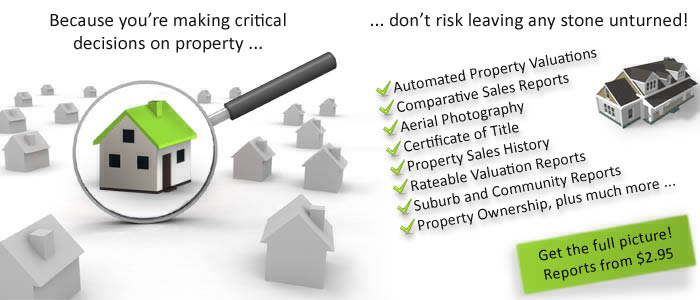
With a range of innovative reports and solutions, Terranet is the smarter, faster and trusted way to obtain current, detailed property information and reports on over 2.1 million New Zealand properties.
Terranet provides the most time efficient and cost effective means of sourcing all of your essential property information in one place. It significantly cuts down the time required to obtain similar information from multiple sources.
Here you will find legal descriptions, ownership details, sales histories, valuation information, aerial photos and neighbourhood statistics in one resourceful website.
We make property decision-making simpler and faster by providing you with a comprehensive range of straightforward, useful, and easy to understand property reports and legal documents.
If you require legal documentation you can order Certificates of Title, Title Plans, Deposited Plans, Instruments as well as other legal documents, all at the click of a button. Our urgent delivery service provides legal documents within 30 minutes.
By using this site, you are deemed to have accepted Terranet’s Terms and Conditions. All prices are expressed in New Zealand dollars (NZ$).
I would like to...
- View the Sales History of a property
-
Find out a property’s current valuation
-
Find current and previous ownership details
-
Confirm the full address and legal description
-
Confirm other legal interests in the property
-
View comparable property sales in the area
-
Validate building consents issued
-
Order a Certificate of Title for a specific property
Find more information on…

- Your shopping basket is empty.
1
Search
Using Address, title or valuation.
2
Select
Between Reports and Legal Documents.
3
Purchase
Via Pay-as-you-go or monthly invoice options.